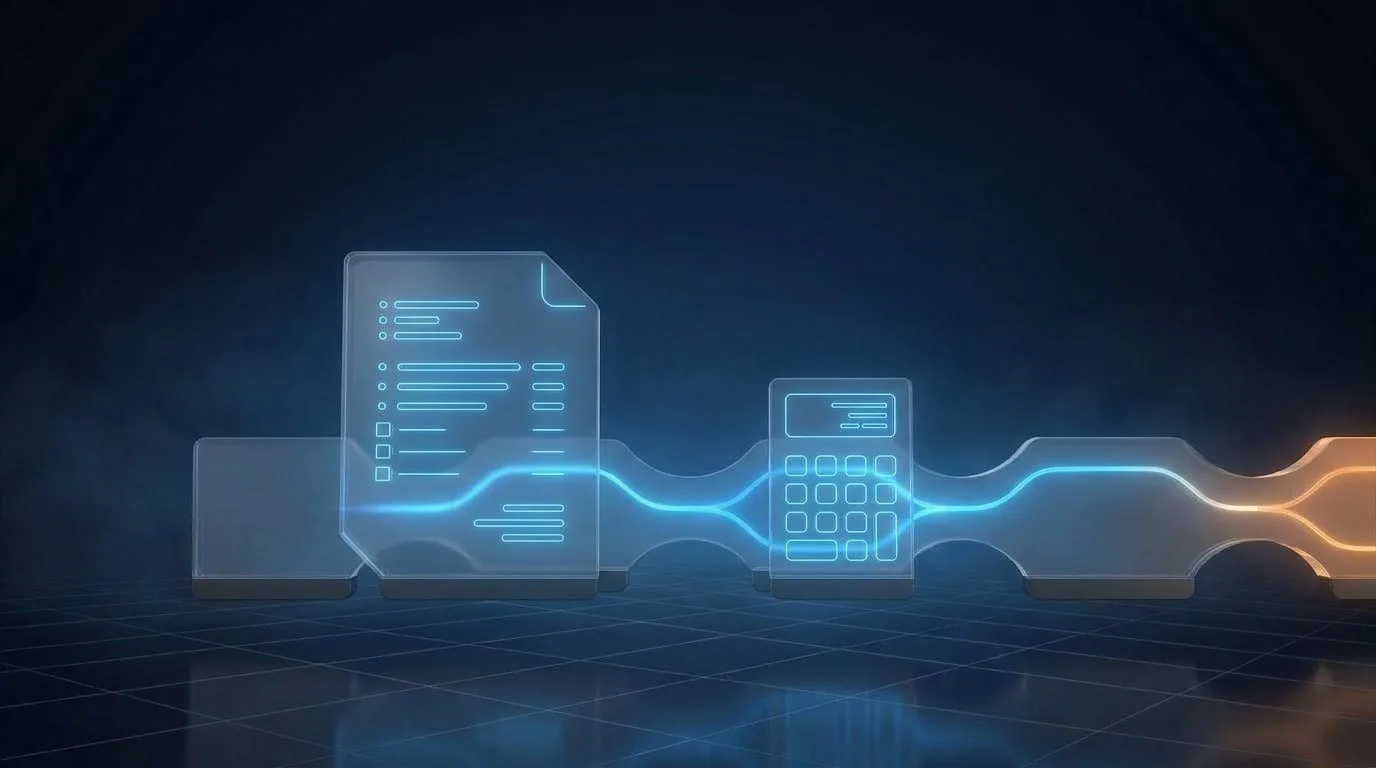
Automation Removes the Robotic Work, Not the People
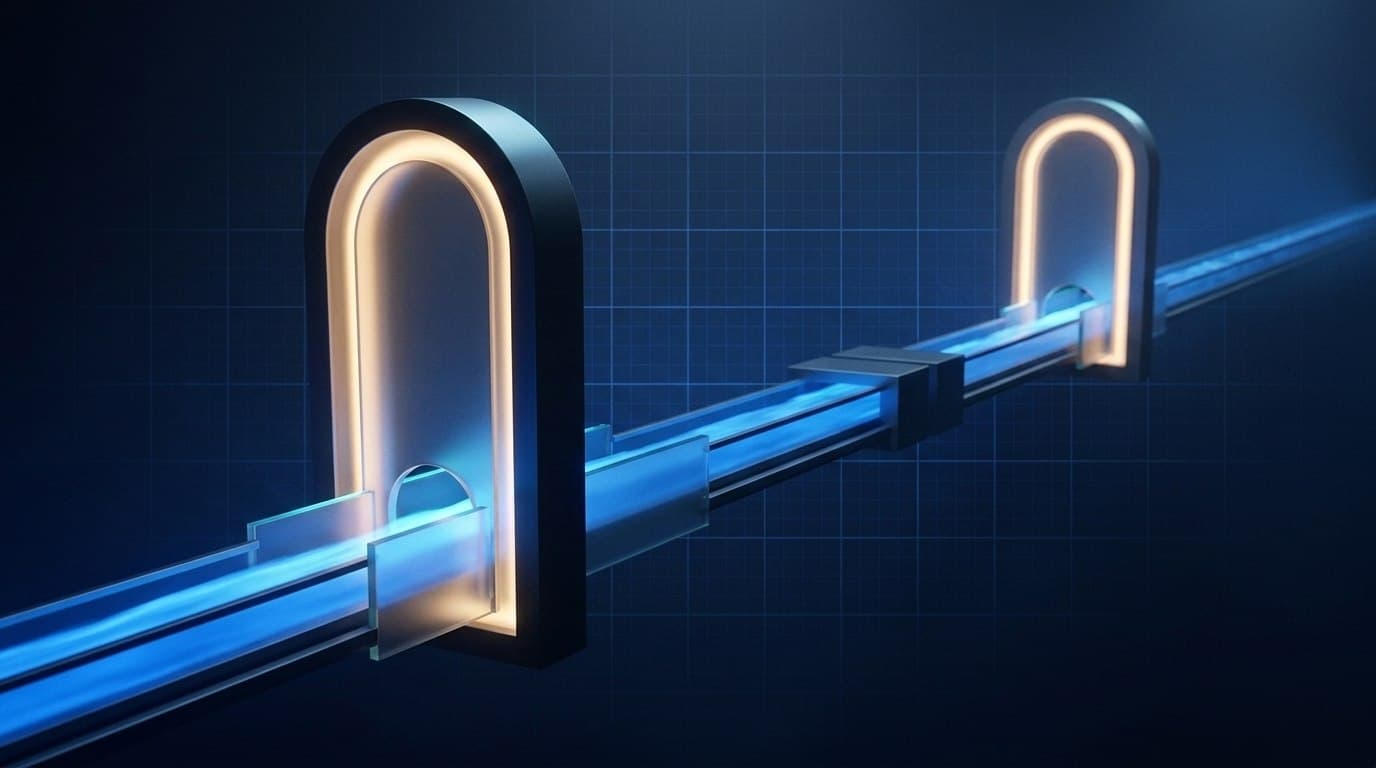
When a workflow is rebuilt, what gets removed from a person’s day is the clerking, not the expertise. A qualified person reviews every draft against its evidence before anything reaches a client, and a named person approves it. Those gates are a design rule, not a setting.
Raise automation with the team that runs a workflow today, and the unspoken question in the room is usually “does this mean fewer of us?”. It is a fair question, and it deserves a direct answer rather than a reassuring dodge. This article answers it as plainly as it can: what gets automated, what never does, and what changes for the people involved.
01. What actually gets automated
Look closely at where the hours go in a typical manual workflow: re-keying the same data, hunting for source documents, assembling routine report structure by hand. None of it is the part a person was trained to do. It is the work around the judgement, not the judgement itself.
What gets removed from a person’s day is the clerking, not the expertise.
02. What never gets automated, on principle
| Task | Automated? | Why |
|---|---|---|
| Re-keying the same data | Yes | It needs care, not judgement |
| Hunting for the right source document | Yes | The system can find and attach it |
| Assembling routine report structure | Yes | It was identical last month |
| Reviewing a draft against its evidence | Never, by design | It catches what the step before might have got wrong |
| Approving a specific version, or sending it back | Never, by design | The accountable person approves, and the approval is a recorded act |
| Deciding what reaches a client | A person, every time | Assistance is never the final step |
A qualified person reviews every draft against its evidence before anything reaches a client. The review gate is a design rule, not a setting. It is not an option that could be switched off to save time, because the step before it exists on the assumption that this one is there.
Approval works the same way. The person accountable for the work approves a specific version, or sends it back, and that approval is recorded rather than being an email that might have meant yes. Assistance is never the final step in the sequence. A person is, every time. For how this fits with AI, see why AI sits in the middle, not at the end.
03. What this means for a team’s actual day
- Fewer hours re-keying. The same data is entered once.
- Less time hunting. The right version of a document is where it should be.
- A draft ready for review, instead of one assembled from scratch.
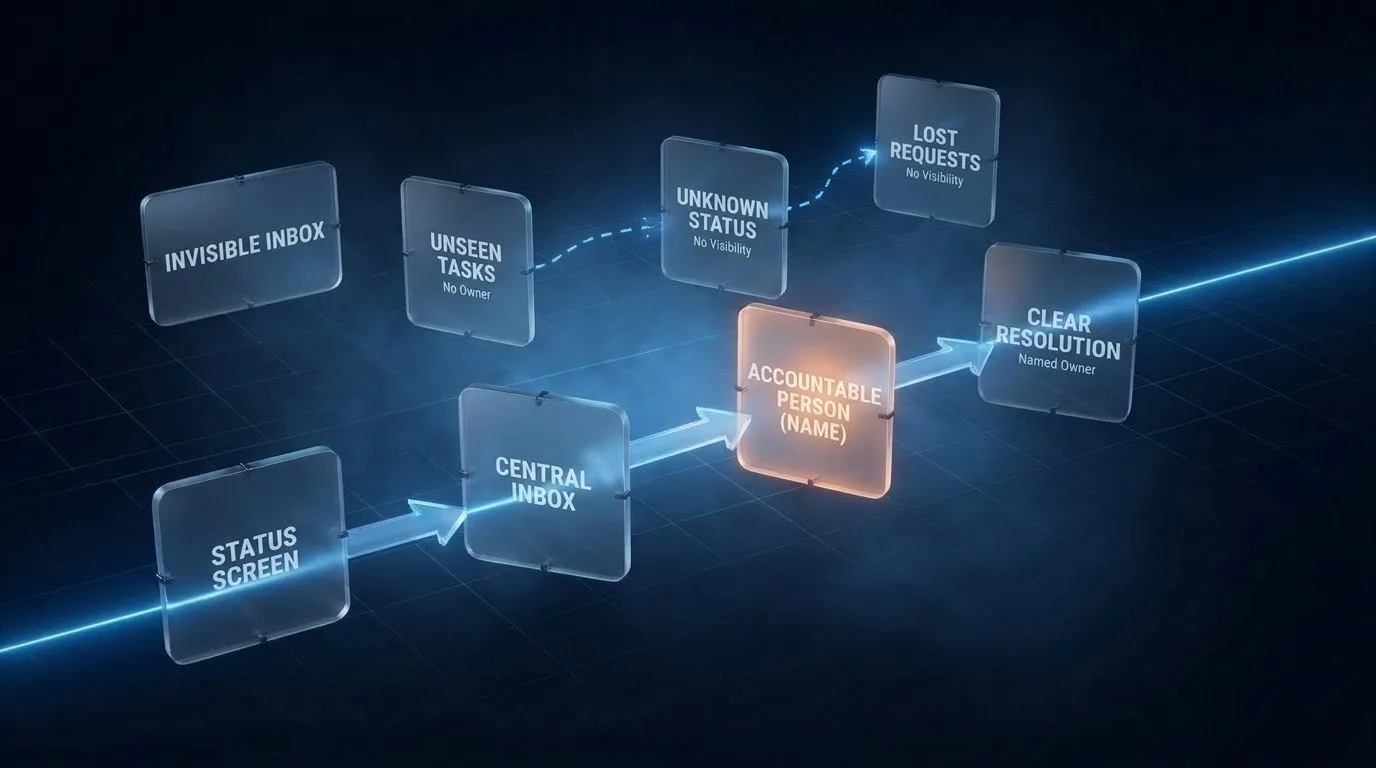
- A visible status, instead of an inbox nobody can see into.
- No change at all for the parts of the job that were never part of this workflow.
More of the team’s time is available for the review and approval decisions that specifically need their judgement. What the business does with the time it recovers is its own decision. We design the workflow. We do not design headcount.
04. Why the fear persists
Some of it is legitimate caution about suppliers who have framed automation as a headcount exercise. Some of it is that “automation” as a general term does mean job elimination in some industries and some processes. The honest answer for a workflow built the way we build them is that the review and approval gates are structural, not optional. We say the same thing on every page where it matters, because a commitment that changes depending on which page you are reading is not really a commitment.
05. Four questions to ask any supplier
If a supplier is proposing automation to your team, ask:
- Who reviews the output before it reaches a client? If the answer is “the system”, the person has been removed from the place they are accountable for.
- Is that review optional? If it can be switched off, it will be, under pressure.
- Is approval recorded against a specific version? An email saying “fine” is not a record.
- What does my team stop doing, and what do they keep? The answer should be specific tasks, not “efficiency”.
For the wider question of why another tool rarely helps, see a new SaaS tool won’t fix a broken workflow: the workflow changes shape, the expertise does not move.
06. Frequently asked questions
Does automating a workflow mean fewer people?
The workflow is rebuilt to remove clerking, not the review and approval roles. What a business does with the time it recovers is its own decision; we design the workflow, not headcount.
What does automation remove from a person’s day?
Re-keying data, hunting for source documents and assembling routine report structure by hand.
What never gets automated?
Review of a draft against its evidence, and approval of a specific version by the accountable person. Both are design rules, not settings.
Is the review step optional?
No. It is a fixed gate in every workflow we build, and a person is the final step every time.
What if a team member is worried about their role?
Ask what they spend their time on today, and which of those tasks are judgement and which are clerking. The judgement stays with them.
07. Next step
See exactly where AI assists and where human review is a fixed gate in every workflow we build. What we build →